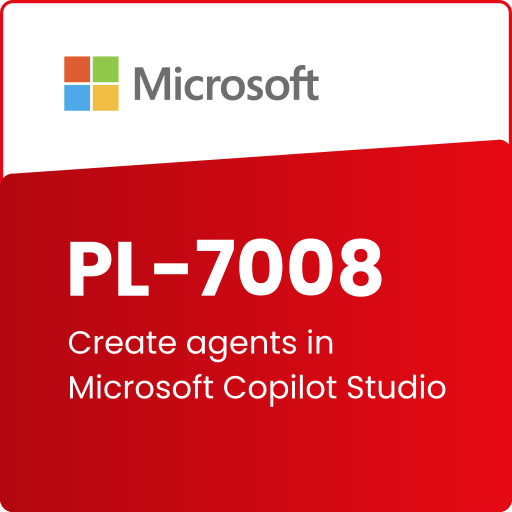
What’s Included?
 High-Quality Video, E-book & Audiobook
 Modules Quizzes
 AI Mentor
 Access for Tablet & Phone
Prerequisites
- Familiarity with Microsoft Copilot Studio
- Basic knowledge of Microsoft Dataverse and Power Automate
- Understanding of data modeling and conversational AI concepts
Skills You’ll Gain
- Copilot Design
- Conversation Configuration
- Interaction Personalization
- Workflow Integration
- Performance Monitoring
- Content Generation
- AI Project Development
Self Study Materials Included

Videos
Engaging visual content to enhance understanding and learning experience.

Podcasts
Insightful audio sessions featuring expert discussions and real-world cases.

Audiobooks
Listen and learn anytime with convenient audio-based knowledge sharing.

E-Books
Comprehensive digital guides offering in-depth knowledge and learning support.

Module Wise Quizzes
Interactive assessments to reinforce learning and test conceptual clarity.
Additional Resources
Supplementary references and list of tools to deepen knowledge and practical application.
Tools You’ll Master
Copilot Studio

Dataverse

Power Automate
What You’ll Learn
Design and Implement Custom Copilots for Real-World Use Cases
Build tailored copilots to solve specific business challenges.
Configure Topics, Triggers, Fallback Paths, and Conversational Branches
Create dynamic conversations that adapt to user inputs and scenarios.
Use Entities and Variables to Enhance Personalization
Personalize interactions using data-driven entities and variables.
Trigger Actions and Workflows via Power Automate
Integrate Power Automate to automate tasks and responses based on copilot actions.
Course Modules
Lesson 1: Create agents in Microsoft Copilot Studio
Module 1.1: Build an Initial Agent with Microsoft Copilot Studio
Module 1.2: Manage Topics in Microsoft Copilot Studio
Module 1.3: Work with Entities and Variables in Microsoft Copilot Studio
Module 1.4: Enhance Microsoft Copilot Studio Agents
Module 1.5: Create an Agent with Microsoft Copilot Studio and Dataverse for Teams
Module 1.6: Guided Project – Create Agents with Microsoft Copilot Studio
Frequently Asked Questions
Yes. The course can be customized to address particular use cases such as bot deployment strategies or enterprise integrations using Microsoft Copilot Studio and Power Platform tools.
This course equips development teams to build advanced, intelligent copilots that streamline operations, automate workflows, and improve user engagement—all with low-code tools.
Graduates of this course often pursue roles in automation and AI development, with potential salaries ranging between $80,000 to $120,000 per year, depending on experience, location, and job function.
